Lightroom presets
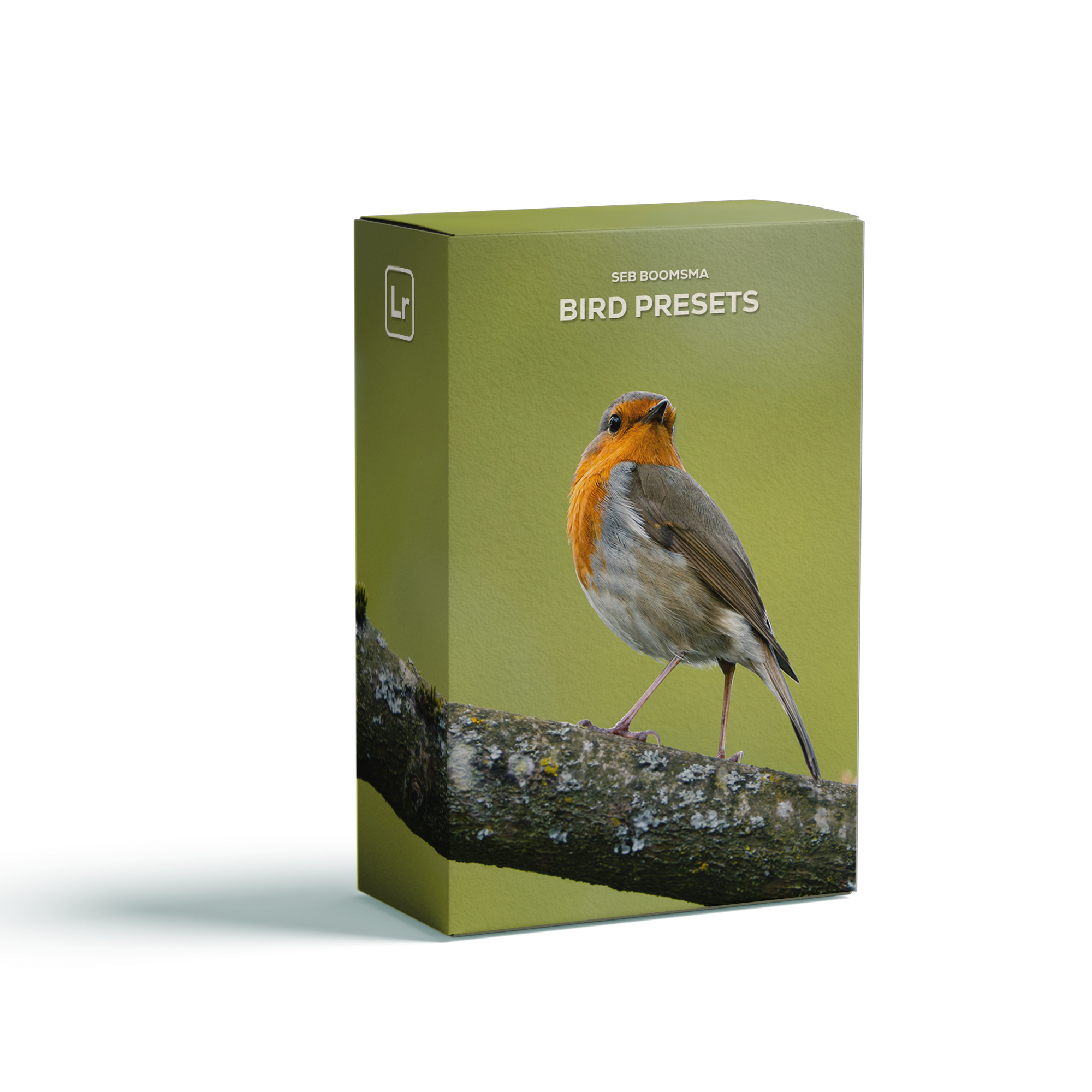
Get the presets I use to edit the photos you see in my videos. The pack includes presets for editing, masking and exporting, as well as a 10 minute video guide of my entire editing workflow.
Why I made this pack
These are the exact presets and workflow tools I use to edit my own bird photography.
This pack is designed to give you a consistent starting point, allowing you to spend less time repeating the same adjustments and more time fine-tuning each image.
Whether you're photographing woodland birds, waterbirds or birds in flight, these presets help you build a clean, efficient editing workflow in Lightroom.
Getting Started PDF
Step-by-step 10 Minute Video Guide
What’s included?
Adobe Lightroom (desktop, mobile and web)
Adobe Lightroom Classic
Compatibility
Bird photographers
Wildlife photographers
Nature enthusiasts
Lightroom users
Who’s this for?
Unzip .ZIP file
Open Getting Started.pdf and follow the instructions.
How to use
9 Main Editing Presets

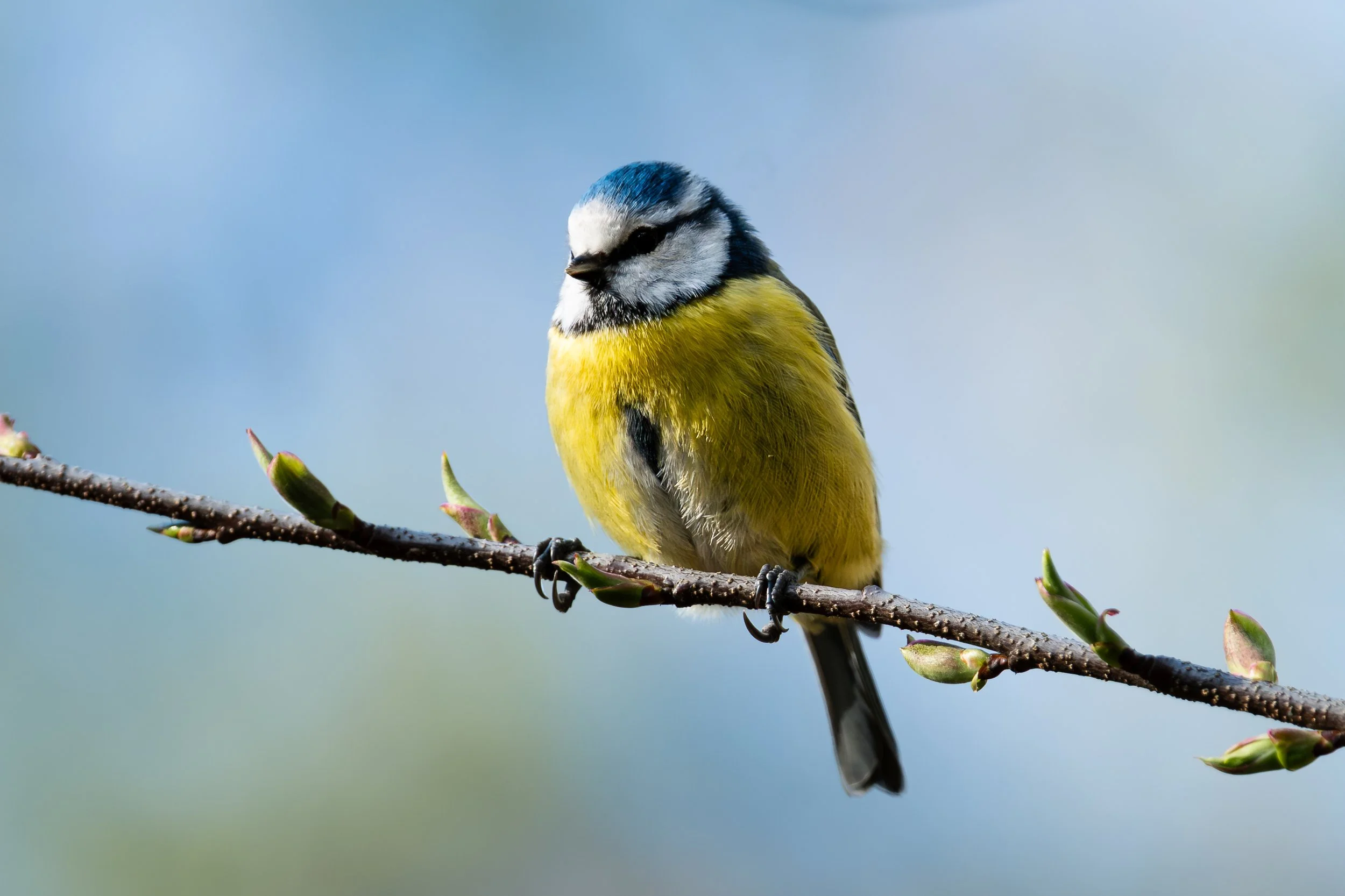
1. Natural Lift

2. Soft Meadow
3. Woodland Warmth
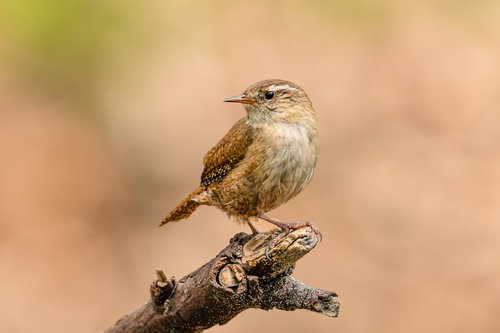

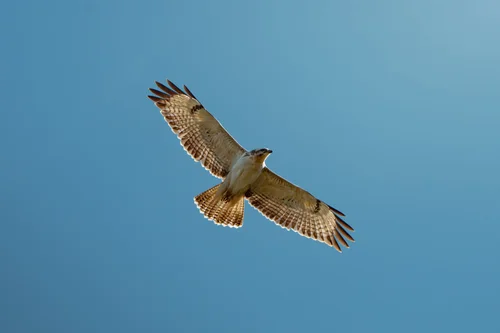
4. Bright Skies

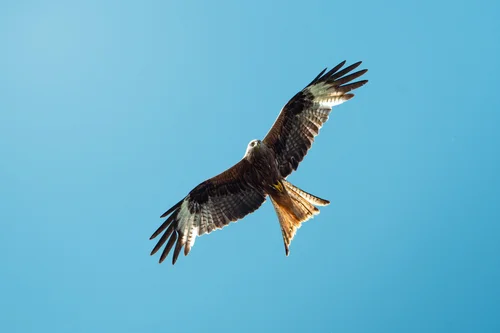
5. Bold Skies

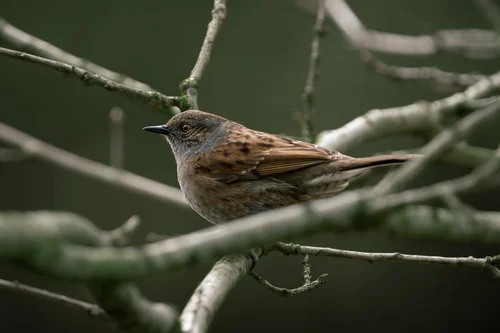
6. Moody Woods

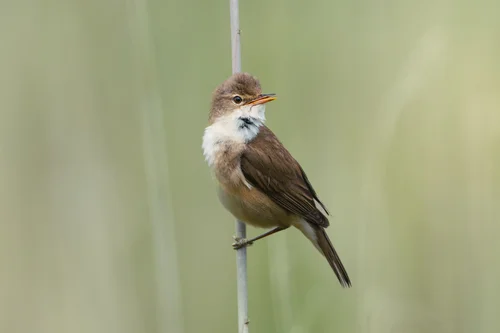
7. Dreamy Marsh

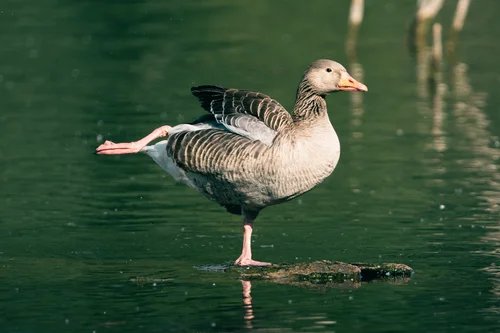
8. Deep Wetlands
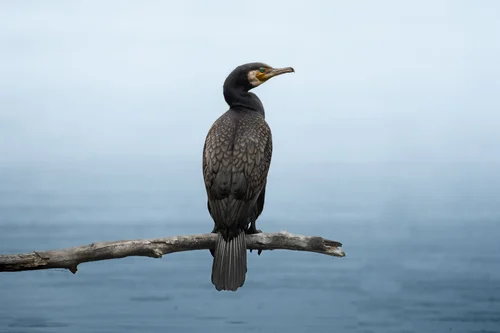
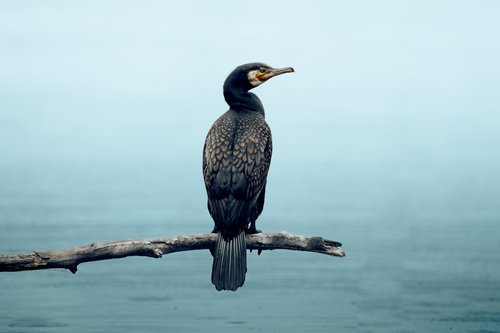
9. Frozen Lake
2 Masking Presets
I’ve included two masking presets (Adaptive and Blank) that each apply 7 different masks at once. By applying the masks, you’ll be able to quickly make local adjustments and speed up your editing workflow.
The masking presets apply the following masks:
Background Denoiser
Bird Detail
Eye Pop
Beak Clarity
Background Darkener
Sun Enhancer
Mist Enhancer
4 Export Settings Presets
No need to worry about having the right export settings. Just right-click your photo and click on one of the export settings presets. This pack includes the following presets:
Instagram (4×5)
Portfolio Web
Print
Wallpaper